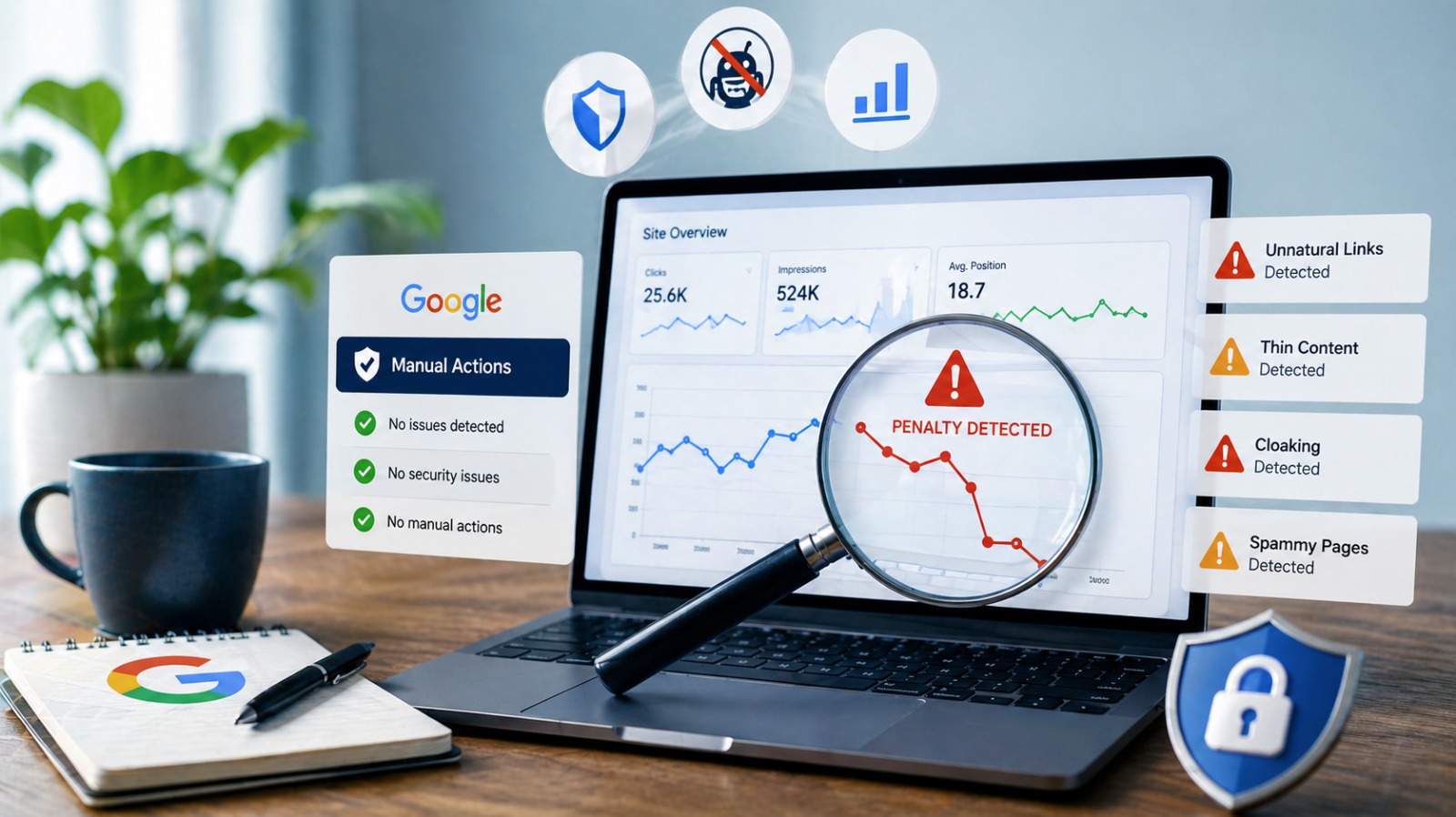
Website owners, bloggers, and online businesses rely heavily on consistent organic traffic. But nothing is more alarming than noticing a sudden drop in rankings, disappearing keywords, or declining impressions without any obvious reason. When this happens, the first question that comes to mind is: “Is my site penalized by Google?”
This is exactly why Google penalty checker tools exist. These tools help you detect ranking drops caused by algorithm updates, manual actions, or sudden changes in Google’s systems. If your website has been affected by a penalty, identifying it early can save traffic, revenue, and long-term SEO performance.
In this detailed guide, you will understand what a Google penalty is, how it works, how to check for penalties, and which tools can help you analyze and fix the damage. The goal is to provide a clear, beginner-friendly explanation that aligns with Google’s latest ranking guidelines.
What Exactly Is a Google Penalty?
A Google penalty refers to a negative action taken by Google that reduces a website’s visibility in search results. This happens for two main reasons:
- Manual penalties – when a human reviewer flags your website for violating Google Search Essentials
- Algorithmic penalties – when a Google algorithm update negatively impacts your rankings
A penalty doesn’t always mean your website did something intentionally wrong. Sometimes websites unknowingly use outdated SEO practices, duplicate content, low-quality backlinks, or slow page performance—all of which can trigger ranking losses.
Understanding the difference between a ranking fluctuation and a penalty is important. A normal fluctuation will settle over time, but a penalty will continue hurting your SEO until you fix the underlying issue.
Why You Need to Check for Google Penalties
Many site owners assume traffic loss is just an algorithm shift. However, failing to diagnose a penalty early can lead to:
- Continuous ranking drops
- Decreased brand visibility
- Poor crawlability
- Long-term loss of authority
- Lower conversions and revenue
This is where Google penalty checker tools become essential. These tools evaluate website health, analyze algorithm updates, track keyword changes, and help you identify whether the issue is technical, content-related, or backlink-related.
How to Check if Your Website Is Penalized by Google
Before using any tool, the first place to look is Google Search Console. It shows whether your website is affected by a manual action or security issue. But algorithmic penalties are harder to detect, which is why third-party tools are helpful.
Here are reliable ways to check if your domain is penalized:
1. Search Console Manual Action Report
Go to Search Console → “Manual Actions”
If Google has penalized your site manually, it will show the exact reason such as:
- Spammy backlinks
- Thin or duplicate content
- Cloaking
- Keyword stuffing
- User-generated spam
This is the most accurate way to identify a direct penalty.
2. Sudden Organic Traffic Drop
If your analytics show a sharp decline in organic visitors, it can indicate an algorithm impact.
3. Keyword Rankings Falling Rapidly
If many keywords drop across pages, it usually means an update affected your content or backlink profile.
4. Deindexing or Removal from Google
If your page no longer appears for branded searches, your site may be penalized or deindexed.
5. Using Google Penalty Checker Tools
These tools compare your traffic graph with known Google update timelines to detect if an algorithm hit you.
Best Google Penalty Checker Tools
Below are tools that help check for algorithm penalties, domain issues, and ranking abnormalities. These tools naturally align with user search terms like:
- google penalty checker
- check for google penalty
- seo penalty checker
- is my site penalized
- domain penalty checker
- google algorithm checker
Each tool offers insights into why your SEO may have dropped.
1. SEMrush Sensor & Site Audit
SEMrush offers a strong algorithm tracker that monitors global SERP volatility. If your rankings drop on days when volatility spikes, it’s likely due to an algorithm shift. The Site Audit feature also identifies:
- Content quality issues
- Toxic backlinks
- Crawl errors
- Slow page performance
All of which may contribute to ranking loss.
2. Ahrefs Site Explorer & Health Score
Ahrefs’ backlink analysis and health score metrics help uncover penalties caused by unnatural links. If Google detects manipulative link building, rankings may fall sharply. Ahrefs lets you identify:
- Spammy links
- Sudden increases in harmful backlinks
- Disavow file requirements
This makes it a strong SEO penalty checker for link-related issues.
3. Moz Algorithm Change Tracker
MozCast visualizes Google’s algorithm weather. On days with high volatility, websites often experience instability. If your rankings drop on the same date, it signals an algorithmic effect.
4. Search Console URL Inspection Tool
While not a traditional penalty checker, the URL inspection tool shows:
- Indexing issues
- Crawling errors
- "Page not indexed" warnings
These issues often mimic penalties and cause ranking drops.
5. Google Penalty Indicator by Barracuda (Panguin Tool)
This tool overlays your Google Analytics traffic on top of Google update history. It clearly shows whether a particular update caused your decline. It is one of the best tools for detecting Panda, Penguin, and core update impacts.
6. Website Performance Checkers (GTmetrix / PageSpeed Insights)
Sometimes the penalty is not content or links—it’s slow performance or poor user experience. Google’s algorithms now prioritize:
- Core Web Vitals
- Mobile usability
- Loading time
- Layout stability
Performance tools help identify these issues.
Signs Your Website Has a Google Algorithm Penalty
While manual penalties are easy to identify, algorithm penalties are more subtle. Here are common signs:
- Drastic drop in rankings for multiple pages
- Loss of traffic without a technical reason
- Reduced impressions in Search Console
- Pages not ranking for earlier stable keywords
- Slow indexing
- Keyword cannibalization issues
- Weak visibility on ecommerce product pages
If you run an ecommerce site, penalty symptoms often appear more aggressively due to content duplication and thin pages.
How to Fix a Google Penalty
Fixing a penalty depends on whether it’s manual or algorithmic.
Fixing Manual Penalties
- Remove spammy backlinks
- Disavow harmful domains
- Improve content depth
- Remove duplicate pages
- Follow on-page SEO best practices
- File a reconsideration request in Search Console
Fixing Algorithmic Penalties
- Algorithm penalties require a long-term recovery plan:
- Rewrite thin or outdated content
- Improve E-E-A-T signals (expertise + authority)
- Build high-quality backlinks
- Update pages to match search intent
- Improve page speed and UX
- Fix technical SEO issues
Consistency and quality are the key to recovery.
How to Prevent a Google Penalty
The best prevention method is adhering to modern SEO guidelines:
- Publish original, high-quality content
- Avoid keyword stuffing
- Build links naturally
- Keep your site fast and mobile-friendly
- Maintain a clean sitemap
- Monitor updates regularly
- Fix broken links and outdated pages
- Avoid duplicate content
Google penalizes manipulation, but rewards helpful content.
Final Thoughts
Google penalties can be stressful, but they are not permanent. With the right tools and proper SEO analysis, you can detect whether your website is penalized, understand the cause, and fix the issue before it affects your long-term growth.
Using Google penalty checker tools helps you protect your domain, maintain your rankings, and ensure your website stays compliant with Google Search Essentials. Whether you’re a blogger, marketer, agency owner, or ecommerce seller, regularly checking your website for penalties is essential for maintaining healthy organic traffic.
-

-

How to Choose a Website Designer: A Complete Guide for Businesses
-

Maximize Your Dental Practice's Social Media Reach: Best Time to Post for Increased Engagement
-

AI Tools for Dental Marketing: Transforming Your Dental Practice with Smart Automation
-

How to Rank Your Dental Clinic in Google Map Pack: Proven Local SEO Tips for Success

Get started today with a free marketing audit
Contact Information
-
332 S Michigan Avenue, Chicago, IL 60604